



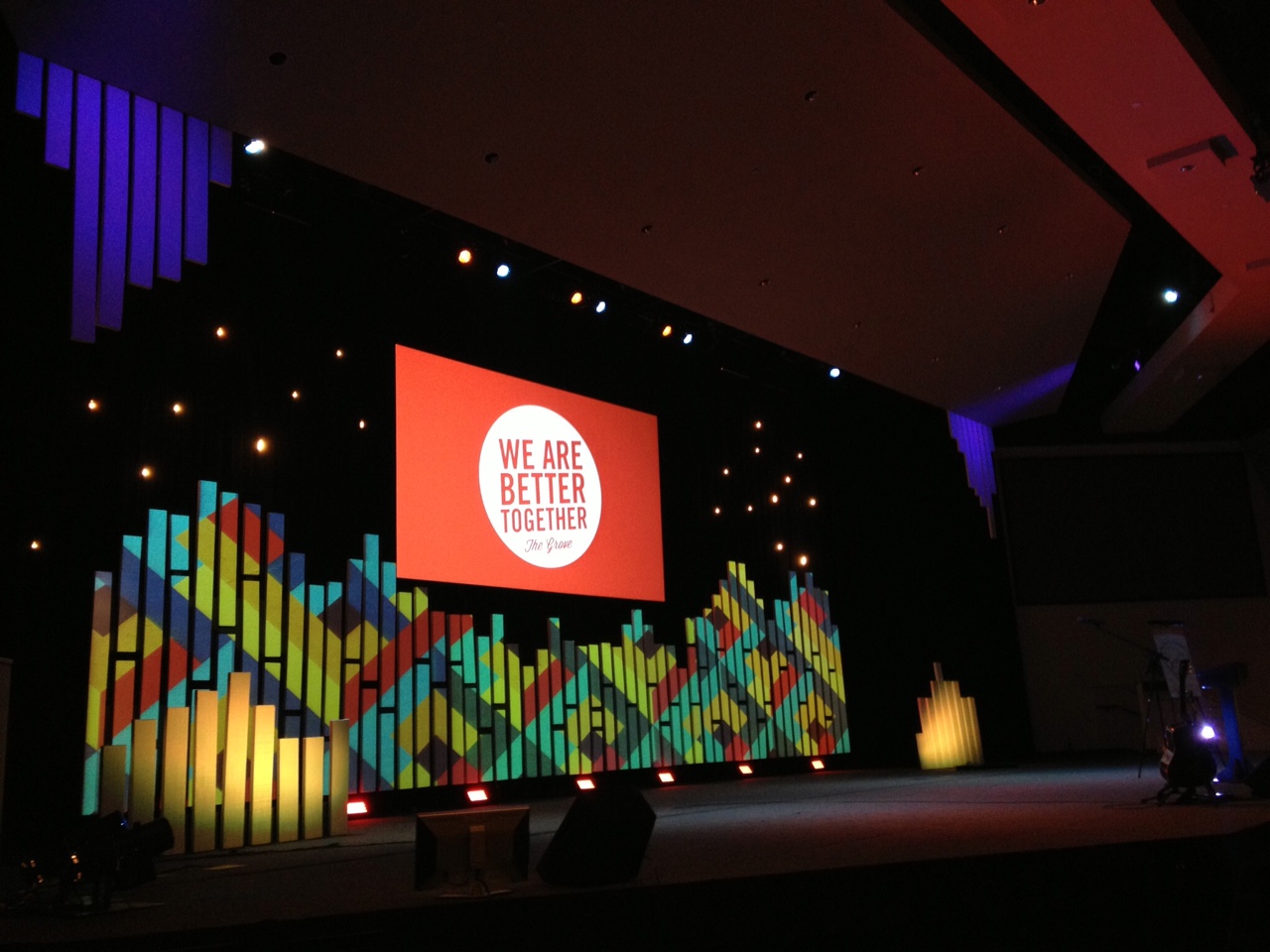
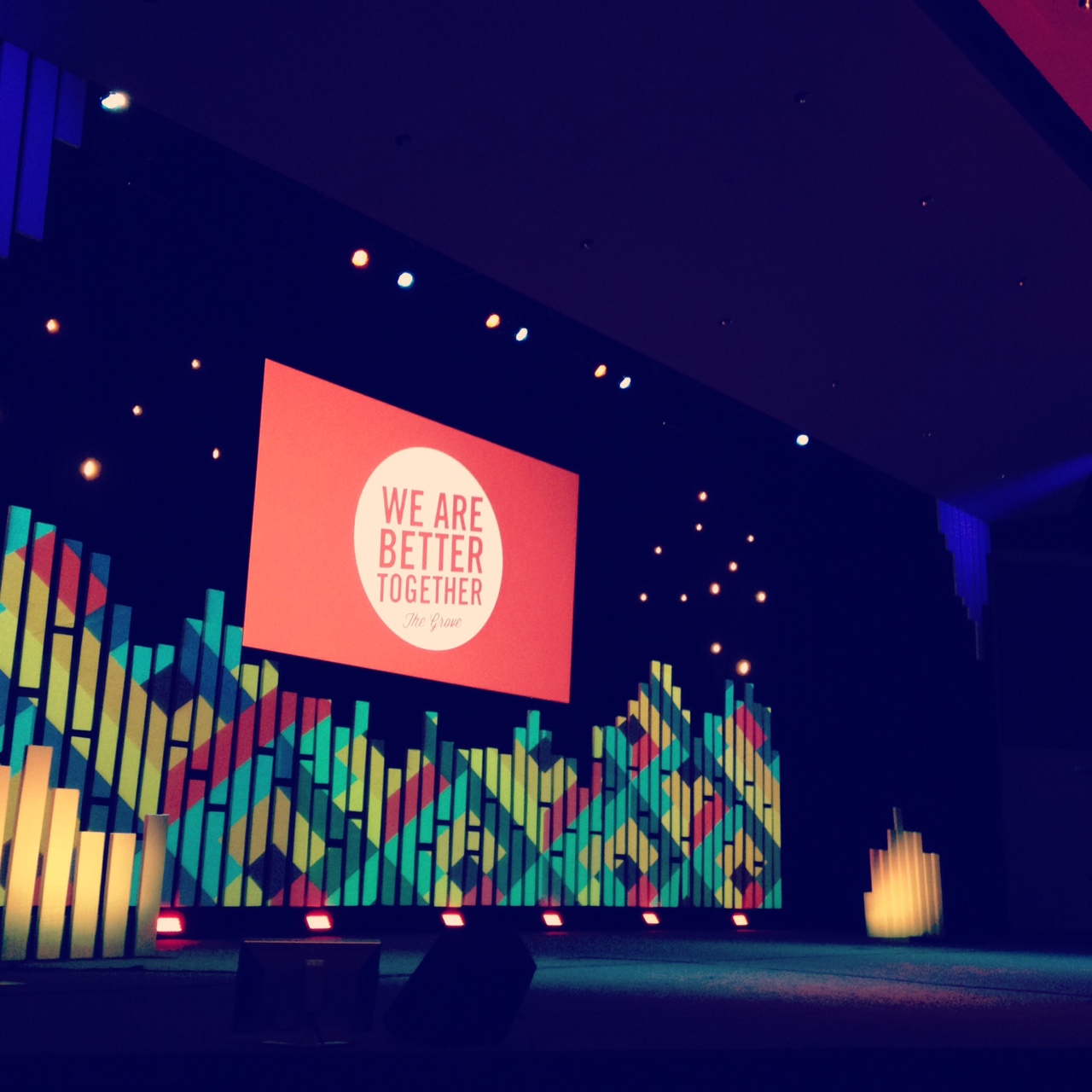
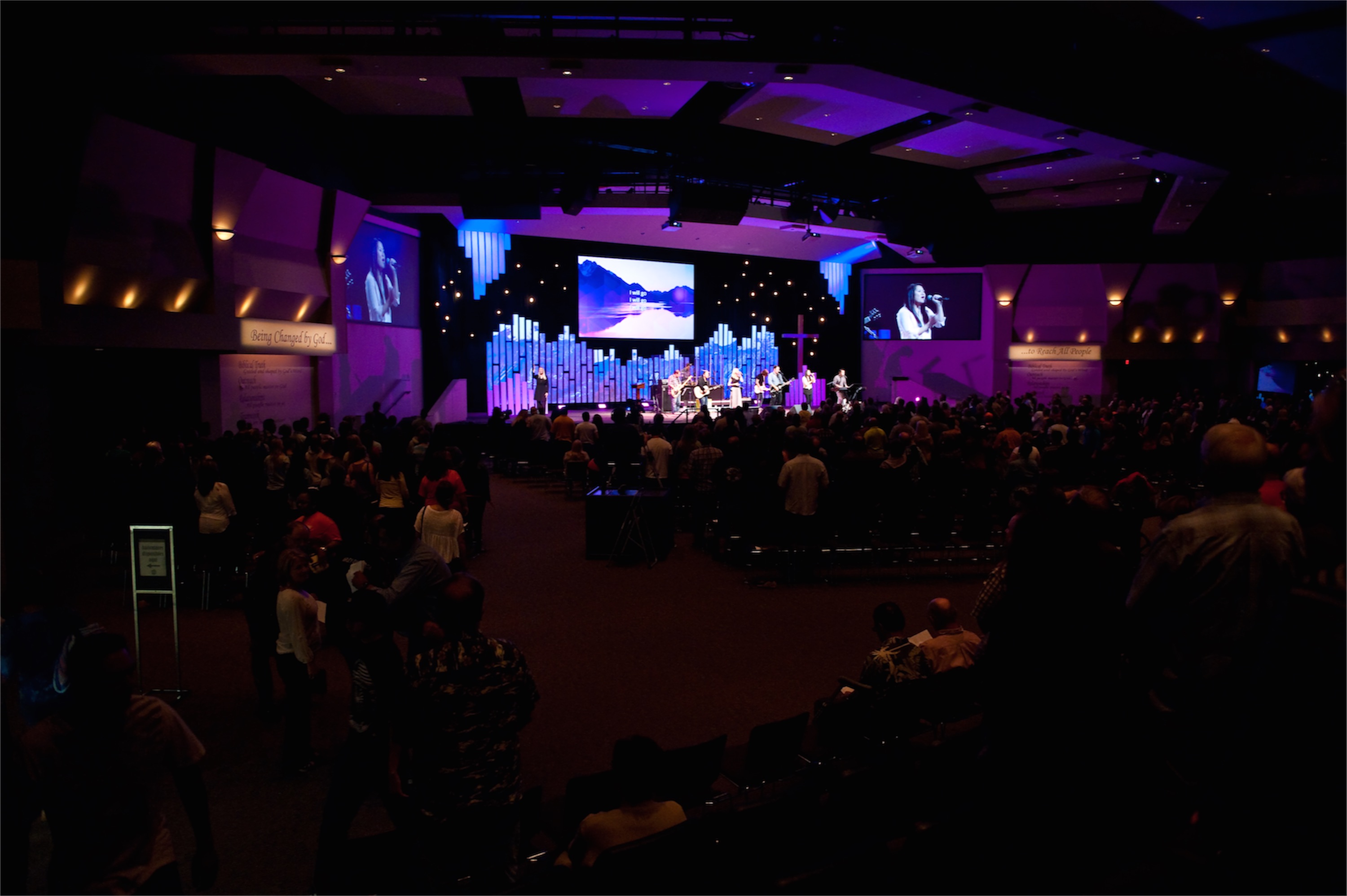
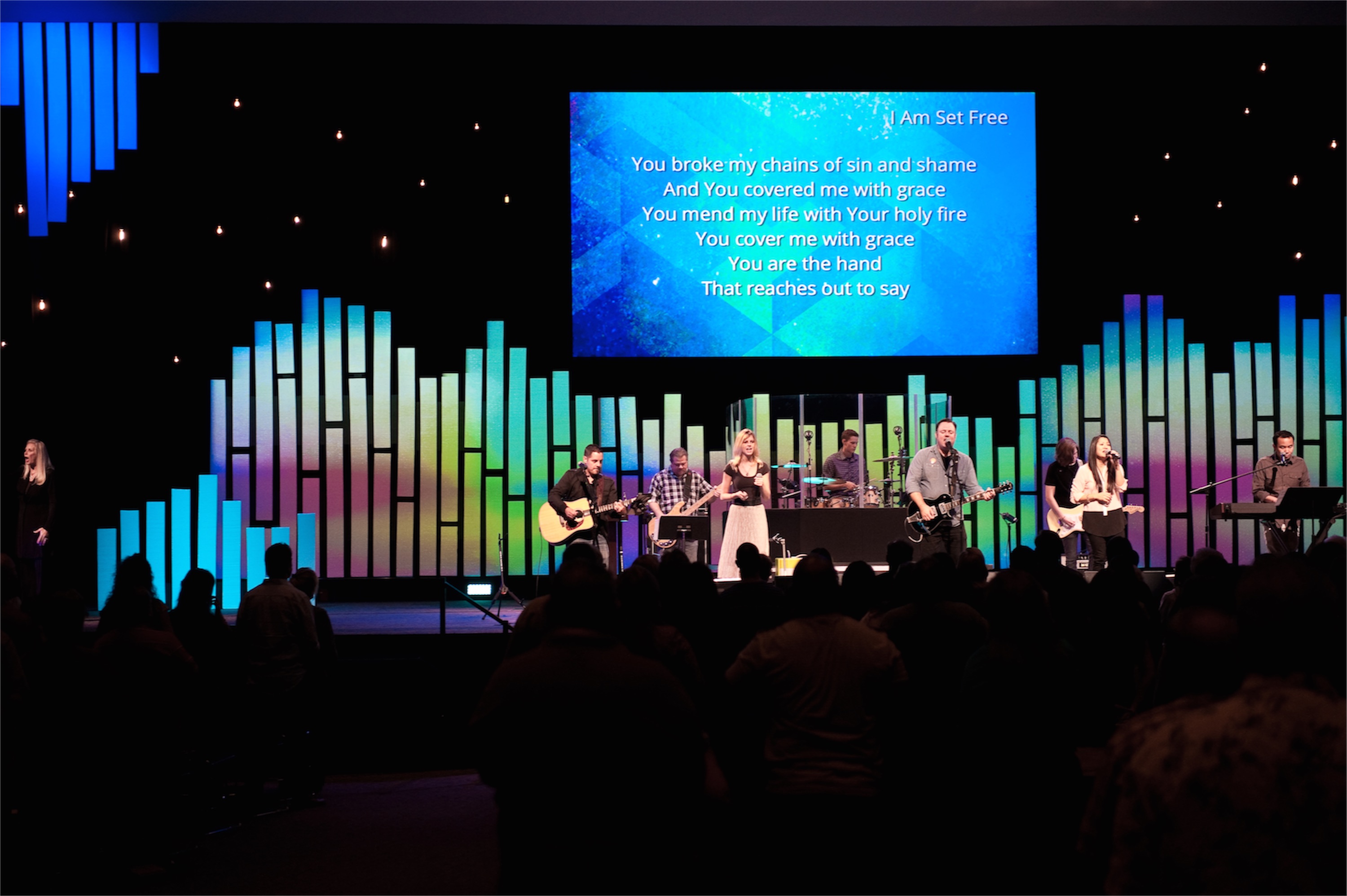
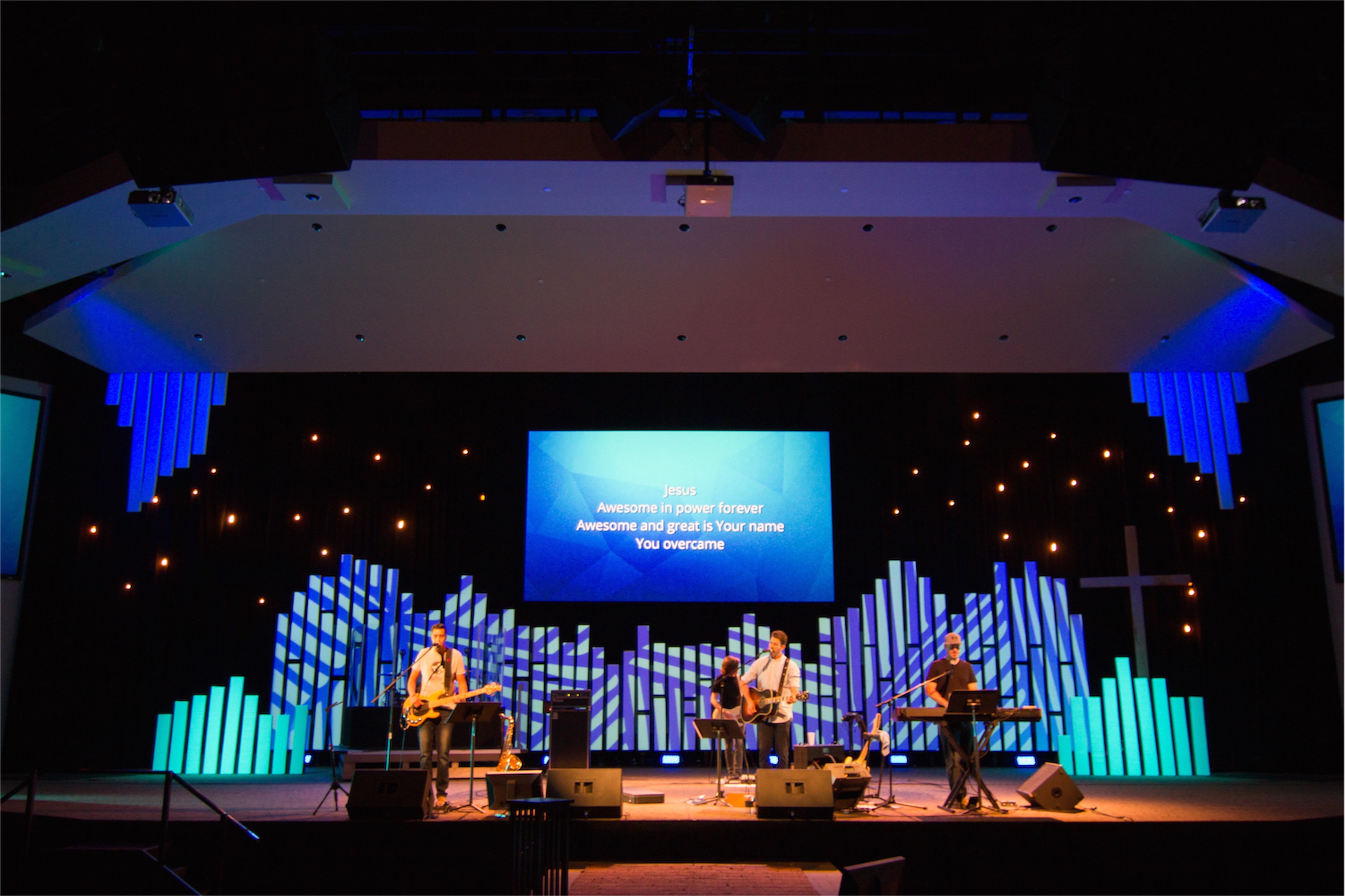
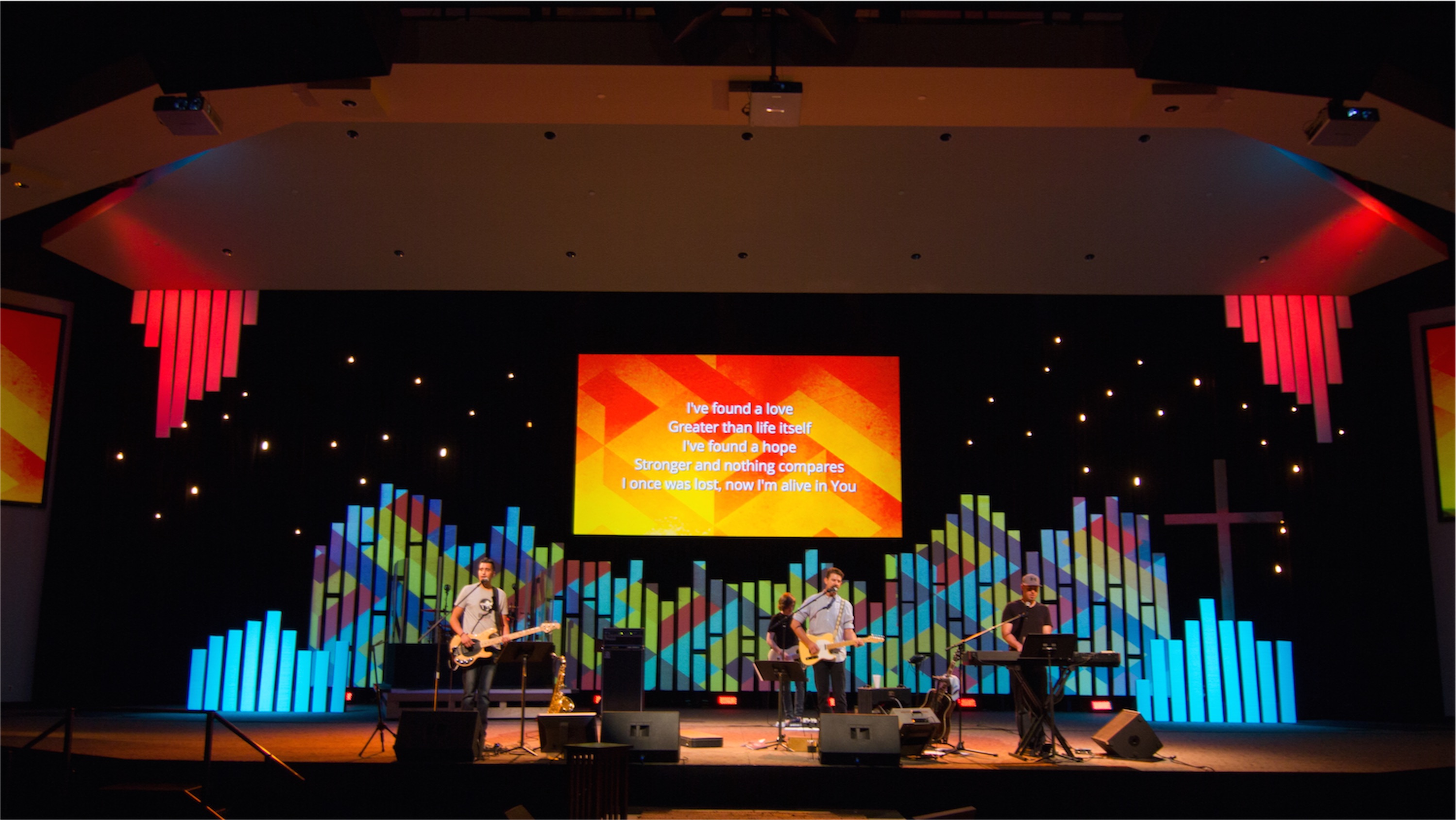
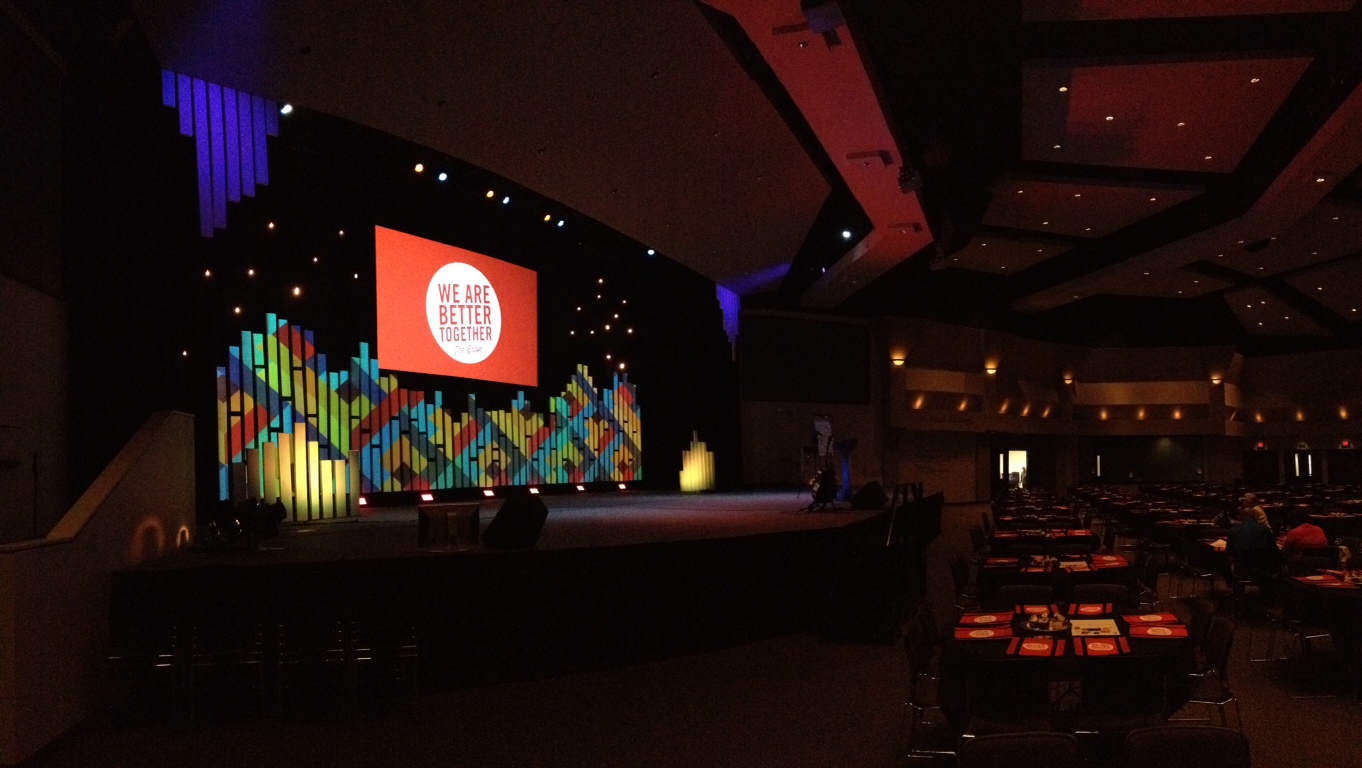
The Arts Team from The Grove Community Church in Riverside, CA brings us this projection mapping on foam pieces.
Their goal was to create a versatile canvas onto which they could project various colors and imagery onto a large stage to enhance the look and feel of any series or event. Plus they wanted to keep a modern feel without going too overboard—to compliment what was on stage and not be the main attraction.
They don’t use moving lights or many special effects except for basic theatrical front, back, and side washes and keys, and some LED RGB washes and bars. So they use projection to give them the color and look they want on stage.
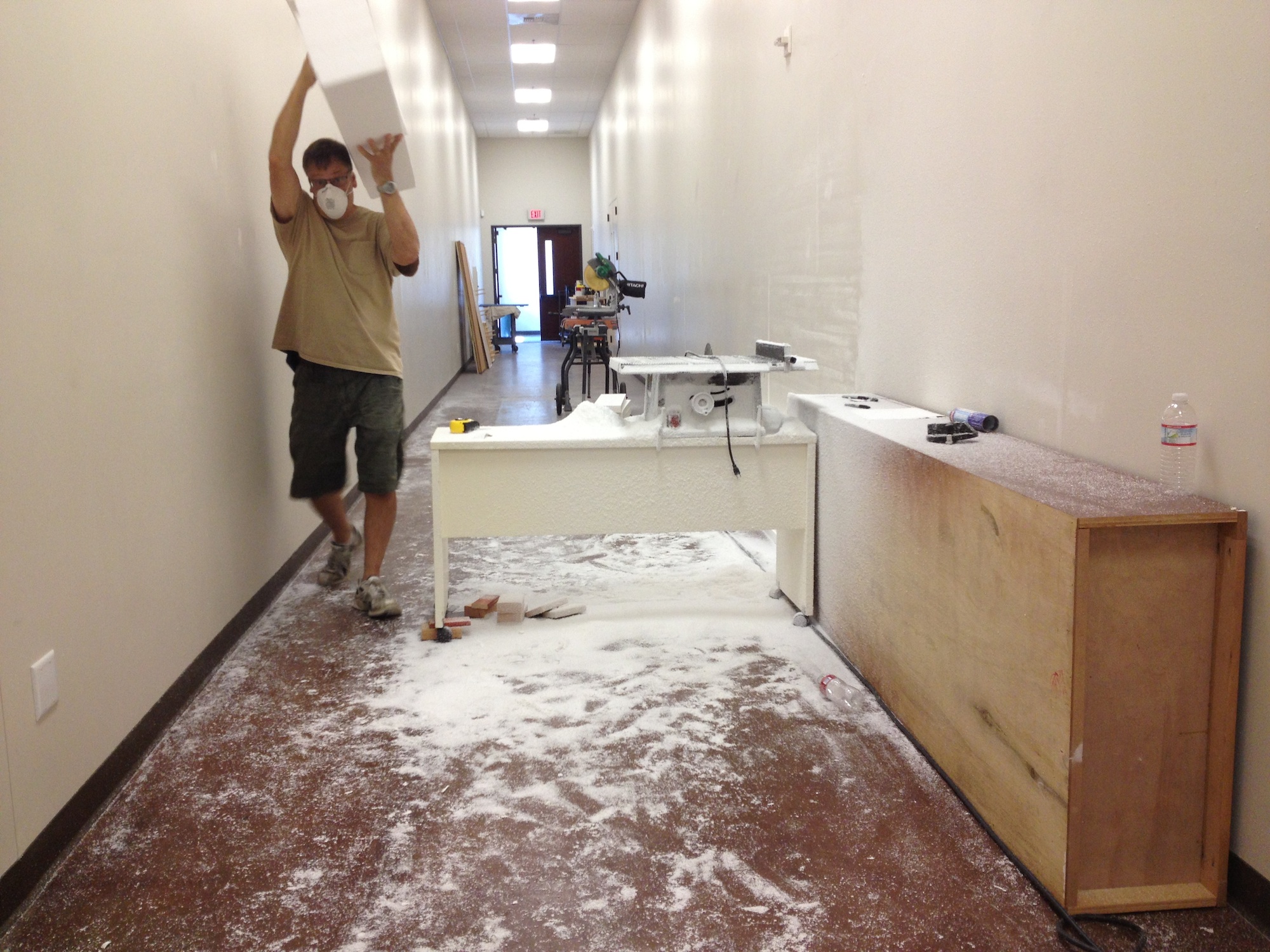
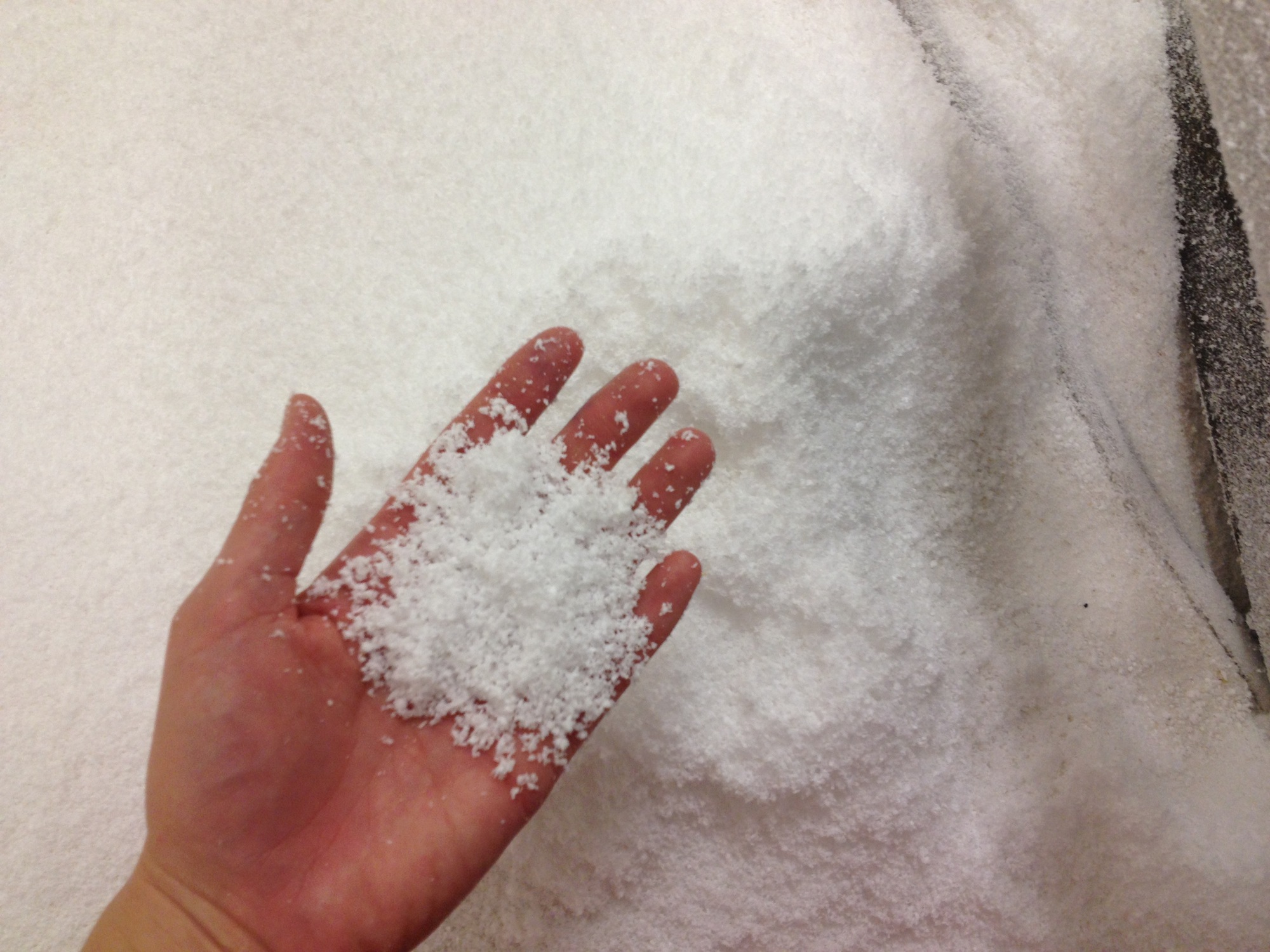
The foam panels were EPS (Expanded Polystyrene) Foam Panels.
Their arts pastor came up with a preliminary sketch in Google SketchUp with a scale model of their stage. The idea was to allow this stage to carry over into Christmas with added embellishments like trees, extra Christmas lighting, string lights, etc. The initial concept was to make the foam cutouts look like a modern mountain look, but in the end the concept actually ended up looking more like the “Fortress of Solitude” (ice crystals) than what they were going for.
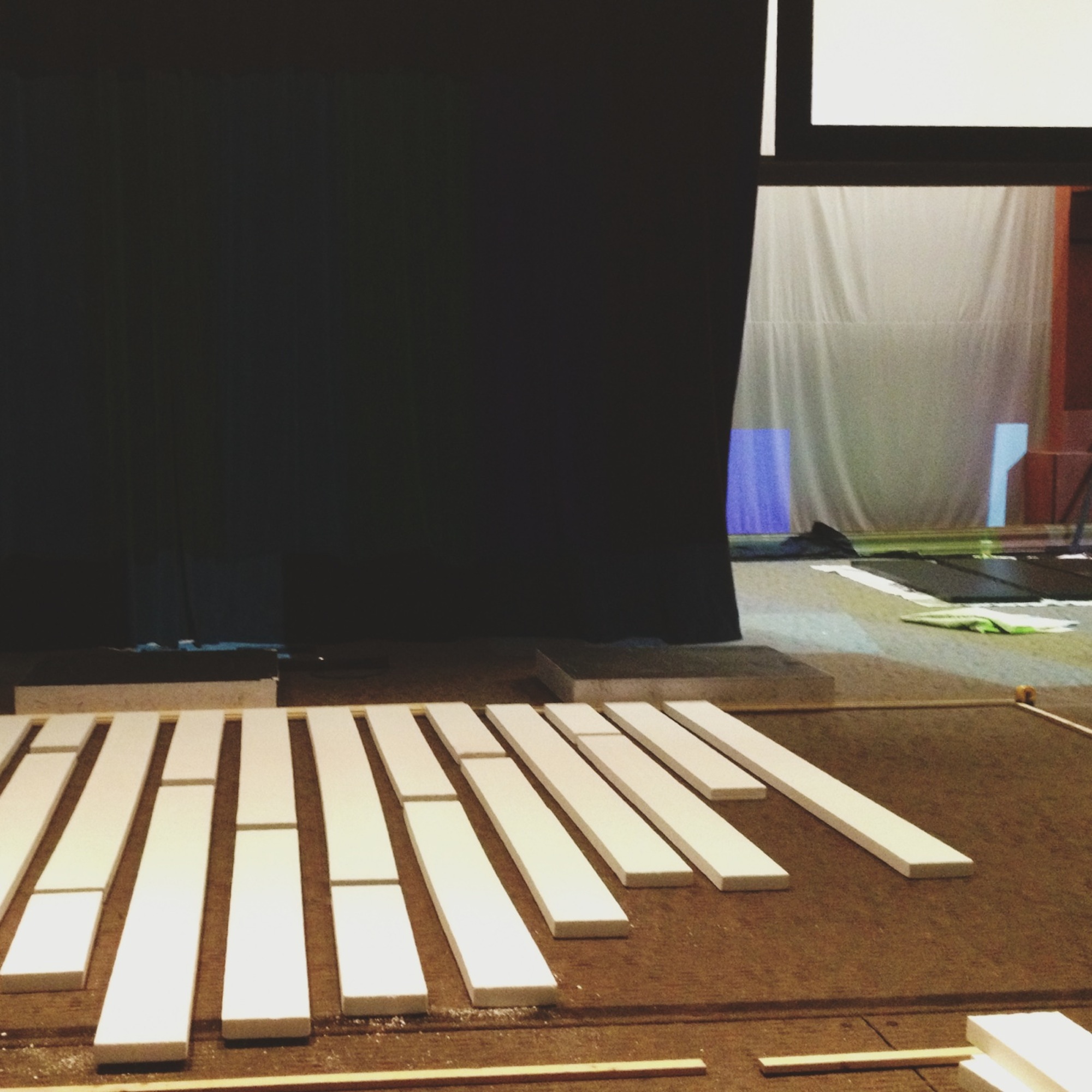
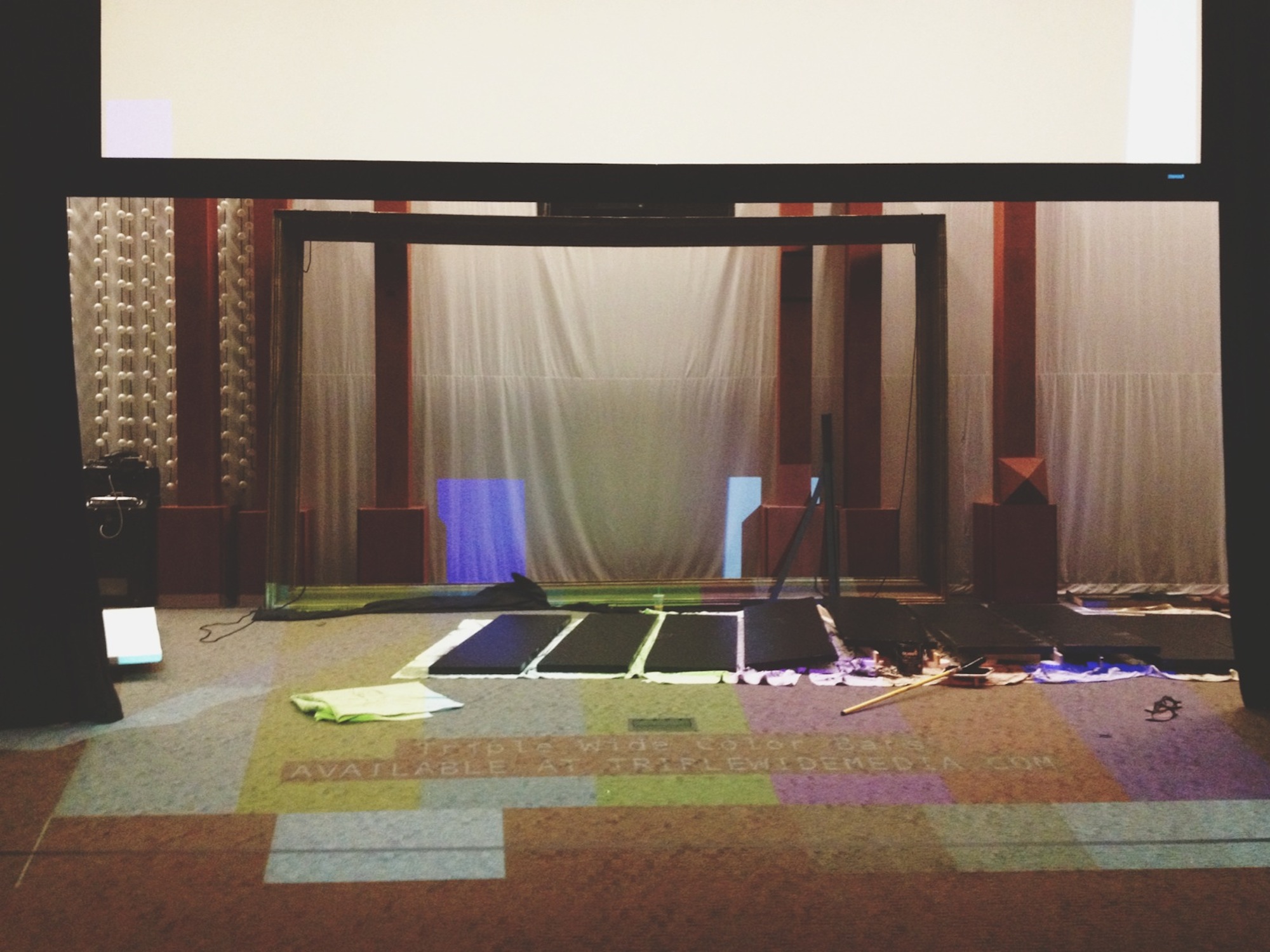
The sketch was revised to what you see now with alternating height columns of foam, cut and sanded, then mounted onto black-painted panels with Liquid Nails foam board glue.
They used three Panasonic projectors running a triple-wide output from a front-of-house media Mac running ProPresenter. They create an overlay mask in ProPresenter to keep the projection from spilling out.
More than half of the media was created in house for series-specific artwork. On this set they didn’t use any moving animated particle videos or the like as they felt it would be a bit more distracting than they wanted.
To complete the look, a mixture of low wattage and vintage lightbulbs were hung and placed throughout to stage left and right at alternating heights. Later, these will compliment the Christmas design that will integrate into the current look.
Why Projection Mapping on Foam Works for Church Stages
Projection mapping on foam surfaces has become an increasingly popular technique in church stage design, offering a unique combination of visual impact and practical versatility. Unlike traditional projection screens, foam panels provide a three-dimensional canvas that catches light and creates depth, transforming flat imagery into immersive environments. The irregular surfaces and geometric shapes possible with foam construction add natural shadows and highlights that enhance the projected content, giving your stage a dynamic, ever-changing appearance.
One of the most compelling advantages of using foam for projection mapping is the material’s affordability and workability. EPS foam panels are lightweight, easy to cut and shape, and can be sanded smooth or left with texture depending on your desired effect. This allows volunteer teams to create professional-looking stage elements without specialized carpentry skills or expensive tools. The foam can be carved into organic shapes, geometric patterns, or architectural elements that serve as the perfect projection surface for everything from subtle color washes to complex animated graphics.
The versatility of this approach means your stage design can evolve throughout the year without major reconstruction. By changing the projected content, you can transform the same foam structure from a serene mountain landscape for a contemplative worship series to vibrant abstract patterns for high-energy youth events. This adaptability makes projection mapping on foam particularly valuable for churches with limited budgets or storage space, as one well-designed structure can serve multiple purposes across different seasons and sermon series.
From a technical standpoint, foam projection surfaces offer excellent light diffusion properties. Unlike glossy materials that can create hot spots and glare, foam absorbs and scatters projected light evenly across its surface. This results in more consistent image quality and reduces the need for extremely high-lumen projectors. The matte finish of foam also helps prevent unwanted reflections that can distract the congregation or wash out other lighting elements on stage.
Pro Tips for Foam Projection Stage Designs
Plan Your Projection Surface Geometry: The shape of your foam panels directly impacts how projected content will appear. Curved and angled surfaces create interesting distortion effects that can enhance your visuals, while flat planes provide the most accurate image reproduction. Before cutting foam, test your projection setup with temporary cardboard mockups to see how different geometries affect your content. Consider creating a mix of surface angles to add visual interest while maintaining some flat areas for displaying text or logos clearly.
Prepare and Seal the Foam Surface: Raw EPS foam has a porous texture that can absorb projection light unevenly and create a grainy appearance. For best results, lightly sand the projection surfaces with fine-grit sandpaper and apply a thin coat of white primer or latex paint. This creates a smoother, more reflective surface that improves image clarity and brightness. Avoid glossy finishes that can create hot spots—matte or eggshell finishes work best for projection.
Design Content for Your Surface: Not all projection content works well on textured foam surfaces. Avoid small text, fine details, or complex photographic imagery that may get lost in the foam’s texture. Instead, focus on bold colors, large shapes, gradients, and atmospheric effects that complement the dimensional quality of your foam structure. Motion graphics with slow, flowing movements tend to work better than rapid cuts or detailed animations. Build your content in layers, with simpler backgrounds and more prominent foreground elements.
Address Edge Blending and Masking: When using multiple projectors to cover a large foam structure, proper edge blending is essential for seamless visuals. Use software like ProPresenter, Resolume, or MadMapper to create overlap zones between projectors and blend the edges so transitions are invisible. Also create projection masks that match your foam shapes exactly—this prevents light spill onto surrounding areas and keeps the projection precisely on your designed surfaces. Taking time to align and mask your projections properly makes the difference between amateur and professional results.
Related Designs
- Pointing! – A creative projection-based stage design using geometric foam shapes for dynamic visual effects
- Colorado Christmas – Features projection mapping on dimensional surfaces for seasonal worship environments
- Mountains and ValLED – Combines foam construction with integrated LED lighting for layered stage backdrops
- Strata – Uses layered foam panels to create depth and texture for projection and lighting effects
- New Traditional – Blends classic church aesthetics with modern projection techniques on architectural elements
Related: Walkin’ on Sunshine – Discover how to add LED tape lighting to your stage surfaces for stunning floor illumination effects that complement projection mapping designs.


This is a great design! Did you use short throw projectors?
Geoff,
Thanks for asking! We actually have Panasonic DW6300US (6k lumens) series projectors with stock zoom lens mounted up top off the catwalks front projection at a nice extreme angle with the appropriate keystone.
-Ian at the Grove
Hi Geoff,
Also, if you look at a few of the wide shots, you can see our projectors peeking down under the catwalk.
-Adam at The Grove
Awesome-looking and innovative!
The Grove is lucky to have such an excellent Cel-Arts team
Beautiful projection mapping!
What are you using to project on the middle screen? So clear and crisp.
I want to decorate the backstage of my church. 11796 S. Glen Dr Houston TX. 77099.
832 887 7105
Great design guys!
We are thinking about doing the same idea(isn). You mentioned you made backgrounds, any chance you would be able to share them? Let me know, email me at ryanm@easthill.org!
Hi! This a great stage design. Would like to make it for Easter Service if you will share the design. We use a gymnasium for Easter Service in Bismarck ND so need a wide design to use in conjunction with screen, stage, band, and light set up for dual service with Charity Lutheran and Surprise Church at Shiloh Christian School.